PESPad
Overview
PESPad is a utility that allows any device that can run a web browser to act as a control pad under any modern Linux system.
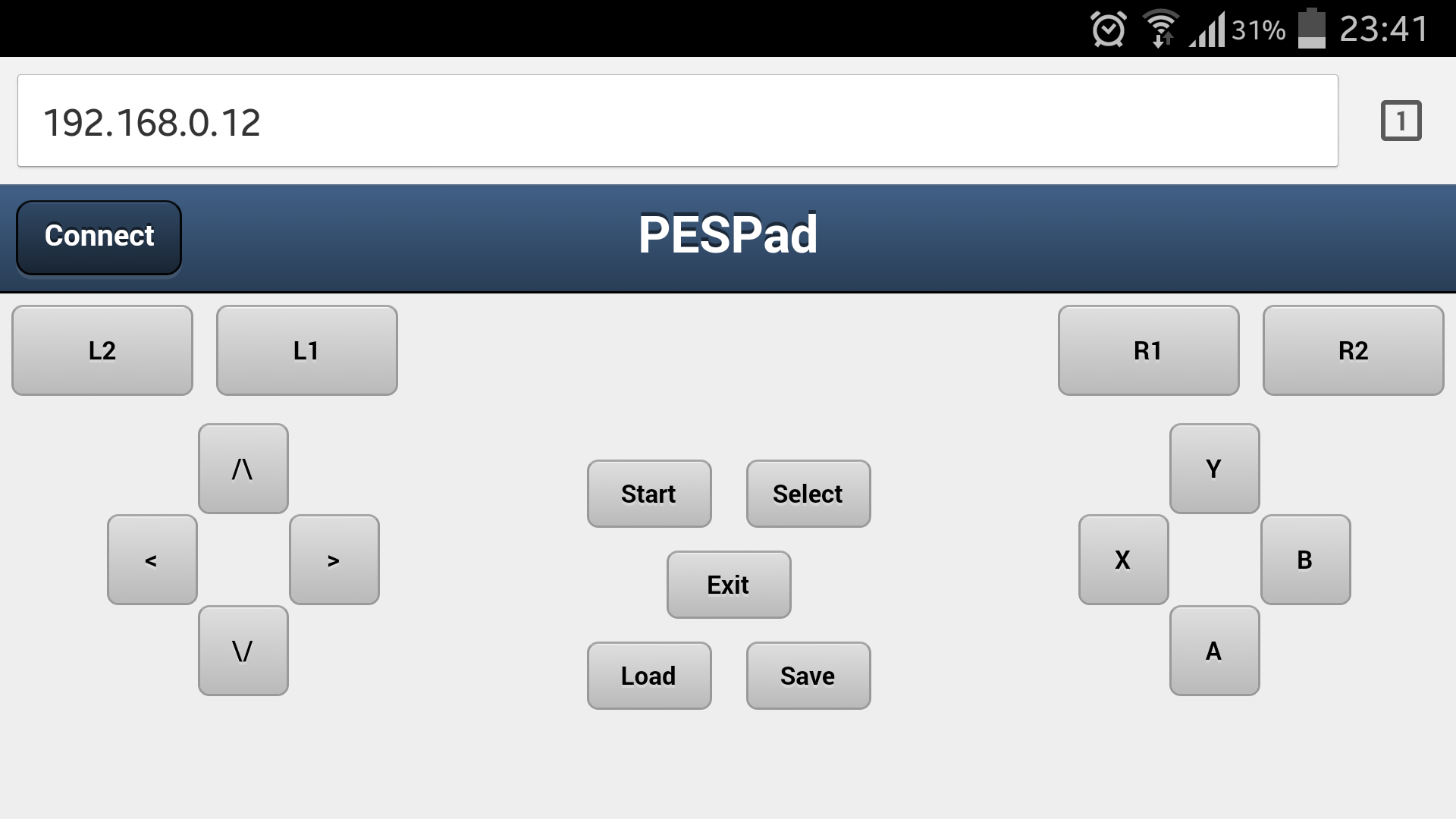
A screen shot of PESPad running under Chrome on Android on a Samsung Galaxy S4 can be seen below:
How does it work?
PESPad runs as a daemon from boot time and by default listens on port 80 unless otherwise specified (use the -p command line option to specify an alternative).
When you point a web browser at the IP address of your host, the PESPad GUI will be shown.
Now to use the GUI click/tap the “Connect” button at the top left of the screen. The PESPad GUI should report that it connected successfully. Under the covers this connection action causes the PESPad daemon running on the host to create a virtual joystick using the Linux uinput kernel module.
Now when you press any of the buttons the PESPad daemon will convert these to uinput instructions which causes any programs running under the operating system that are listening for joystick events to be notified.
Note
PESPad will keep a log at
/var/log/pespad.logA control pad will be automatically disconnected after 30 minutes of inactivity
Where can I get the source code?
Please see: https://github.com/neilmunday/pespad
Acknowledgements
HTTP server code based on code from: http://blog.wachowicz.eu/?p=256
Daemon class based on code from: http://www.jejik.com/articles/2007/02/a_simple_unix_linux_daemon_in_python/
Sencha for their SenchaTouch 1.1 JavaScript framework